Pose Perfect Pro in use

Every screen below is the real app, shot on an iPhone 16 Pro.

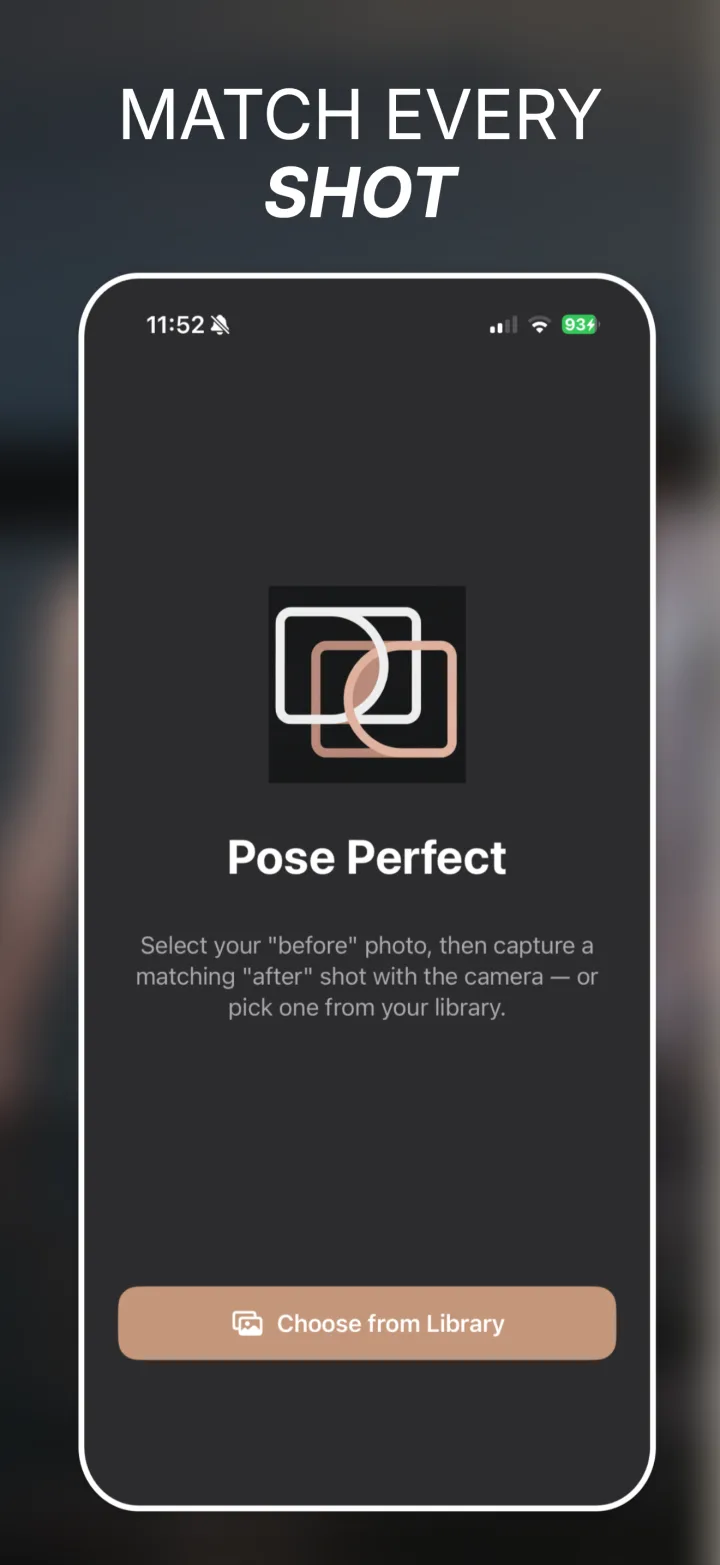
Pose Perfect Pro home screen with the app logo and a Choose from Library button for picking the before photo.

Start with your before photo

Pick the original from your library. That single choice sets the outline, the framing guide and the aspect ratio for everything that follows.
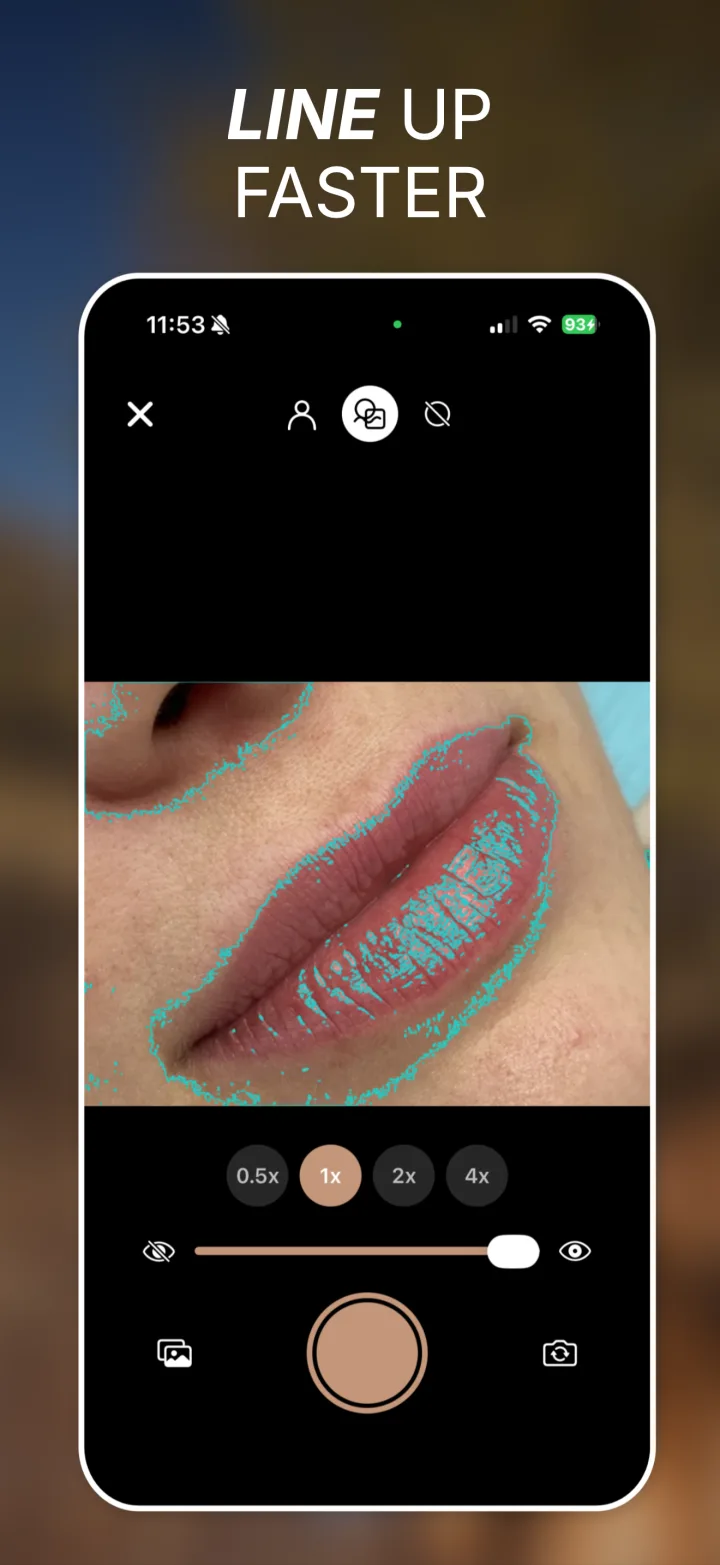
Camera screen with a lip close-up traced in cyan contour lines over the live view, lens picker showing 0.5x, 1x, 2x and 4x, and an opacity slider.

Vision Contours mode

Edges traced across the whole frame. Best when the subject is not a person, or when fine detail is what you need to match.
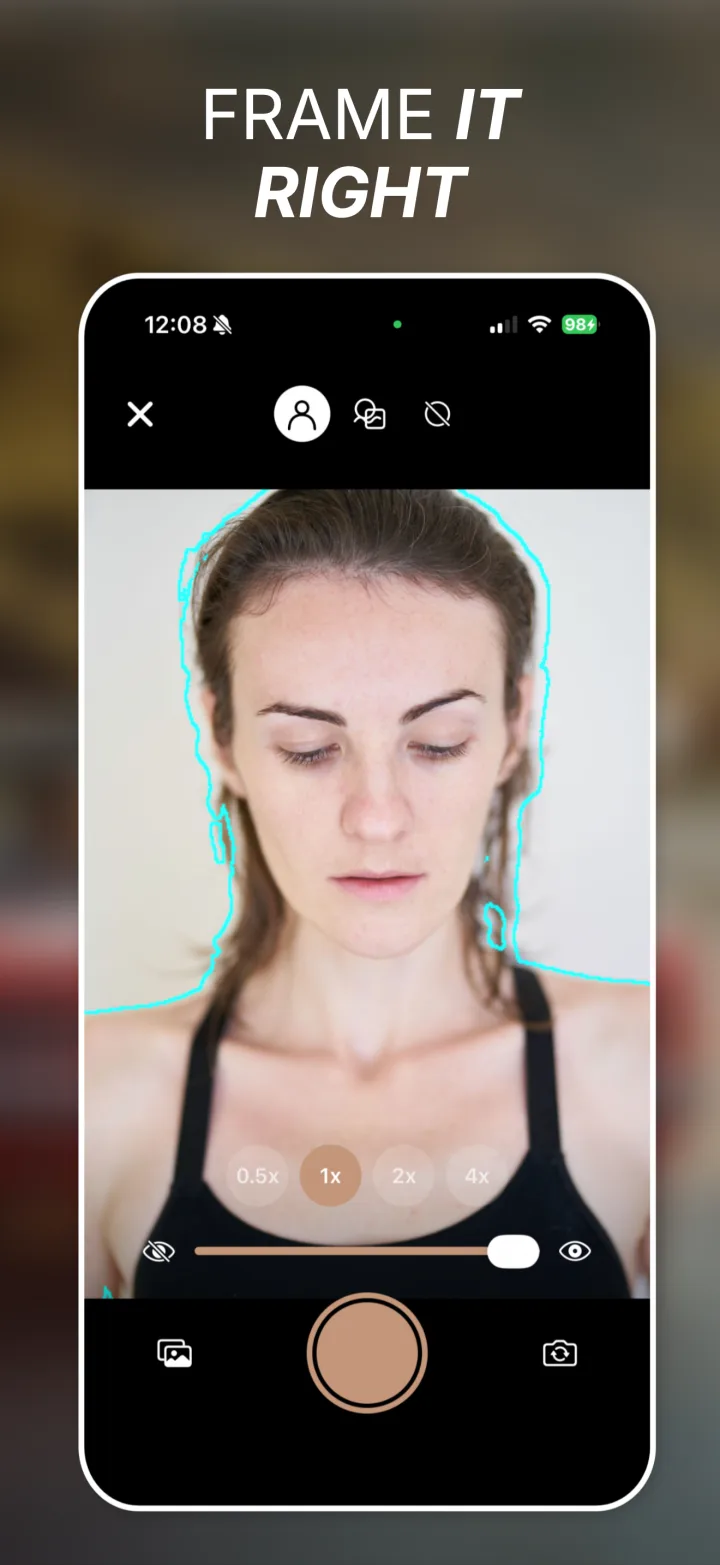
Camera screen showing a person outlined as a cyan silhouette over the live viewfinder, with lens options and opacity control.

Person Silhouette mode

The subject is isolated from the background, so you are matching your body and position rather than whatever happened to be behind you.
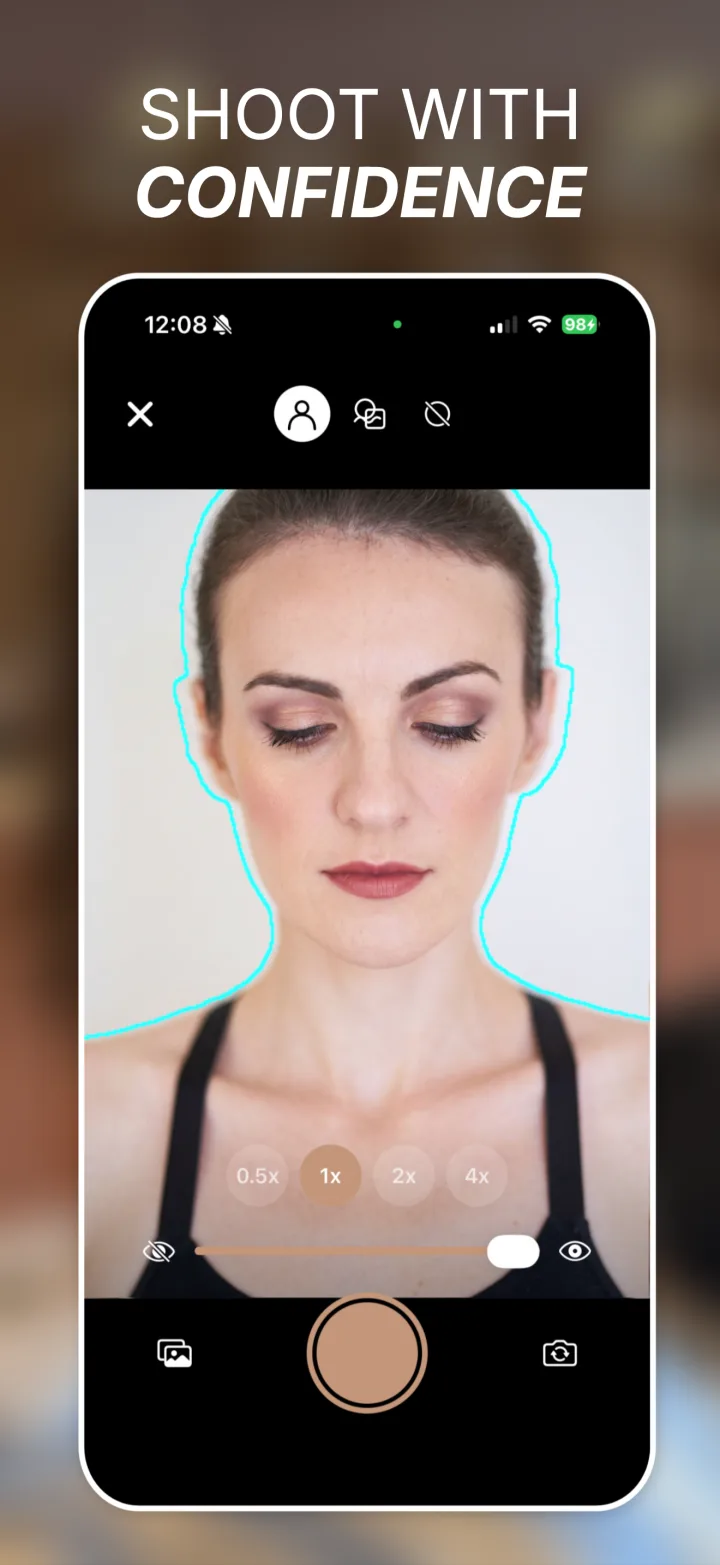
Camera screen with the subject aligned inside the silhouette outline, ready to capture the after photo.

Match, then shoot

Move until you sit inside the outline. Use the self-timer on the front camera to get back into position before the shutter fires.
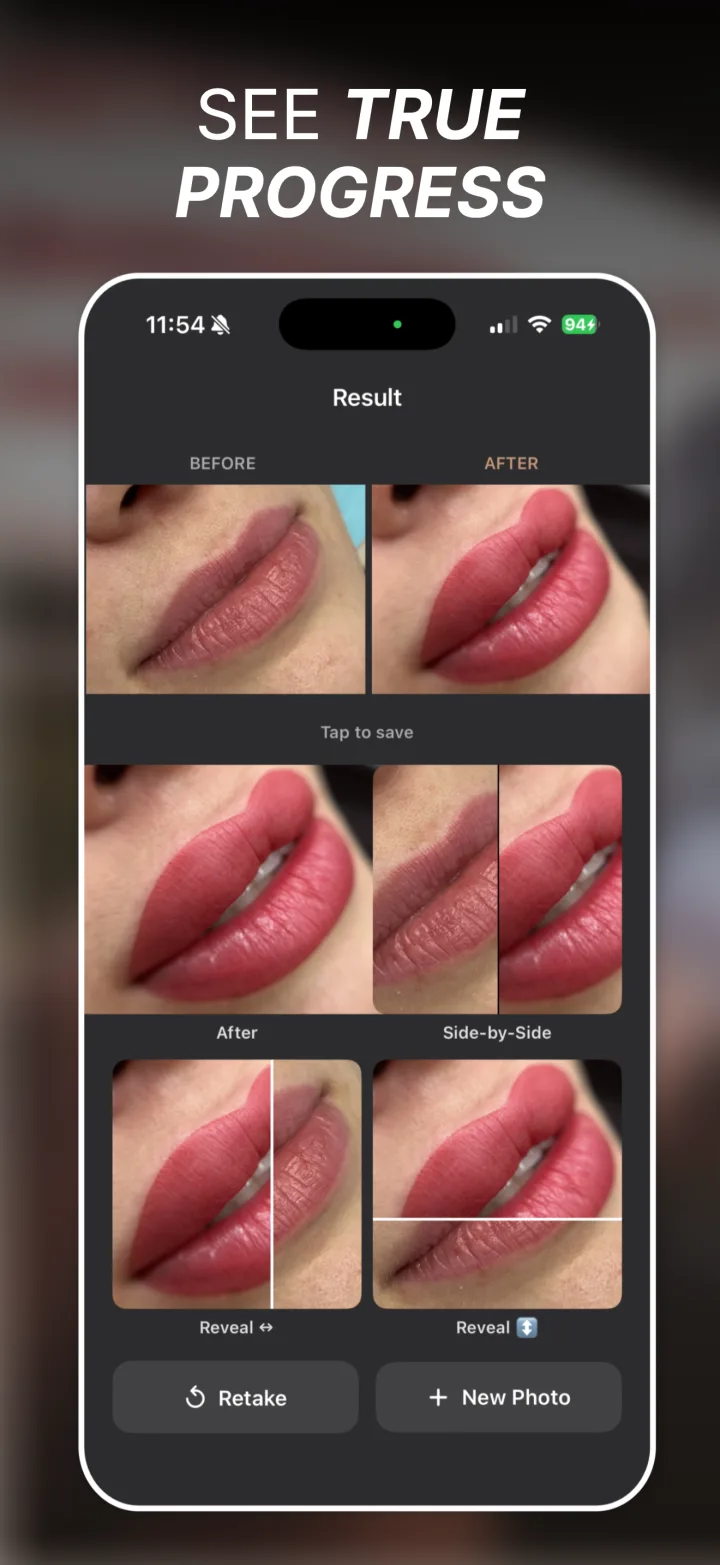
Result screen with before and after lip photos side by side and four export tiles below: After, Side-by-Side, Reveal horizontal and Reveal vertical.

Four exports, one tap each

The after on its own, a labeled side-by-side, or an animated reveal that wipes between the two in either direction.
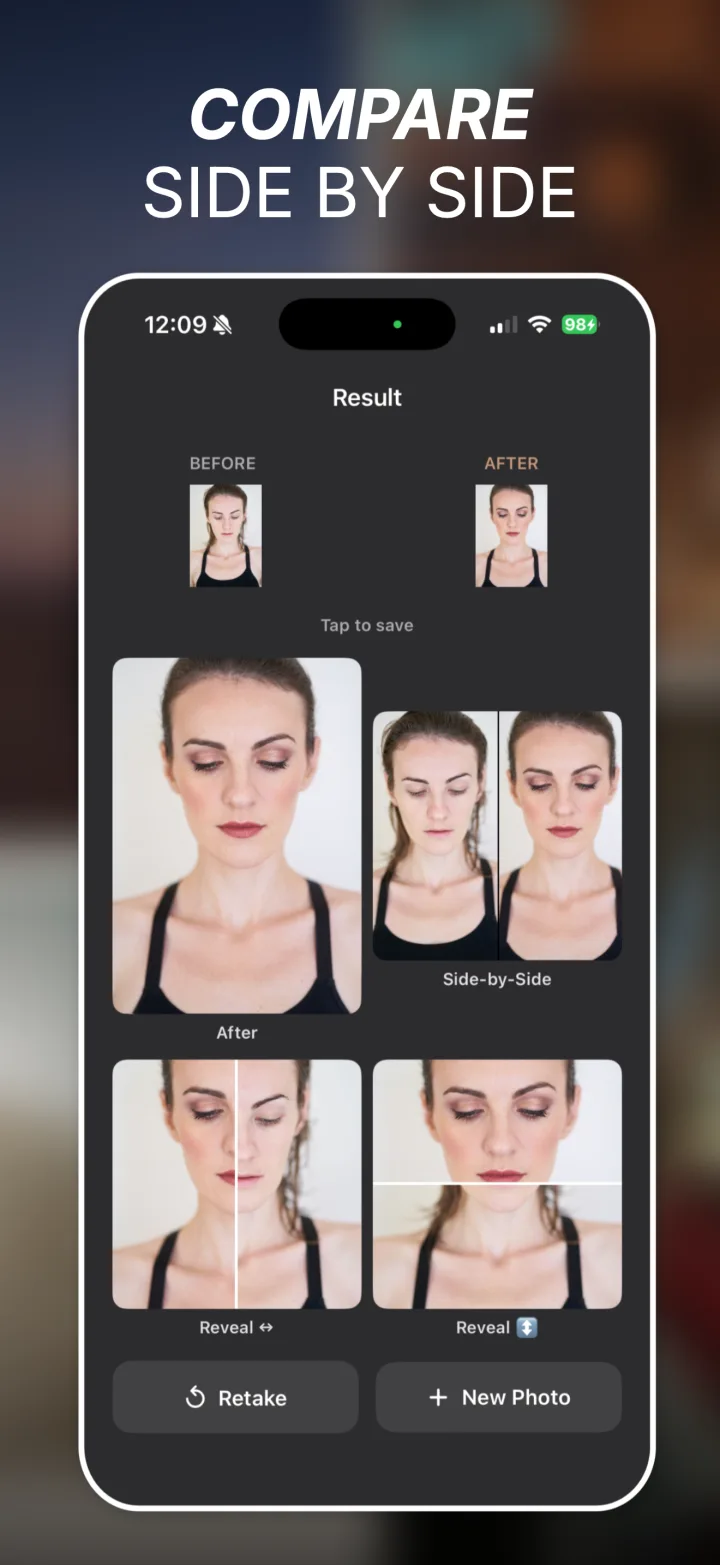
Result screen comparing a before and after portrait, showing the generated side-by-side composite and reveal video thumbnails.

Compare and save

Tap either photo to inspect it full screen with pinch-to-zoom. Retake if the match is off, or start over with a new before photo.

What the app exports

Saved straight to the photo library, unretouched.
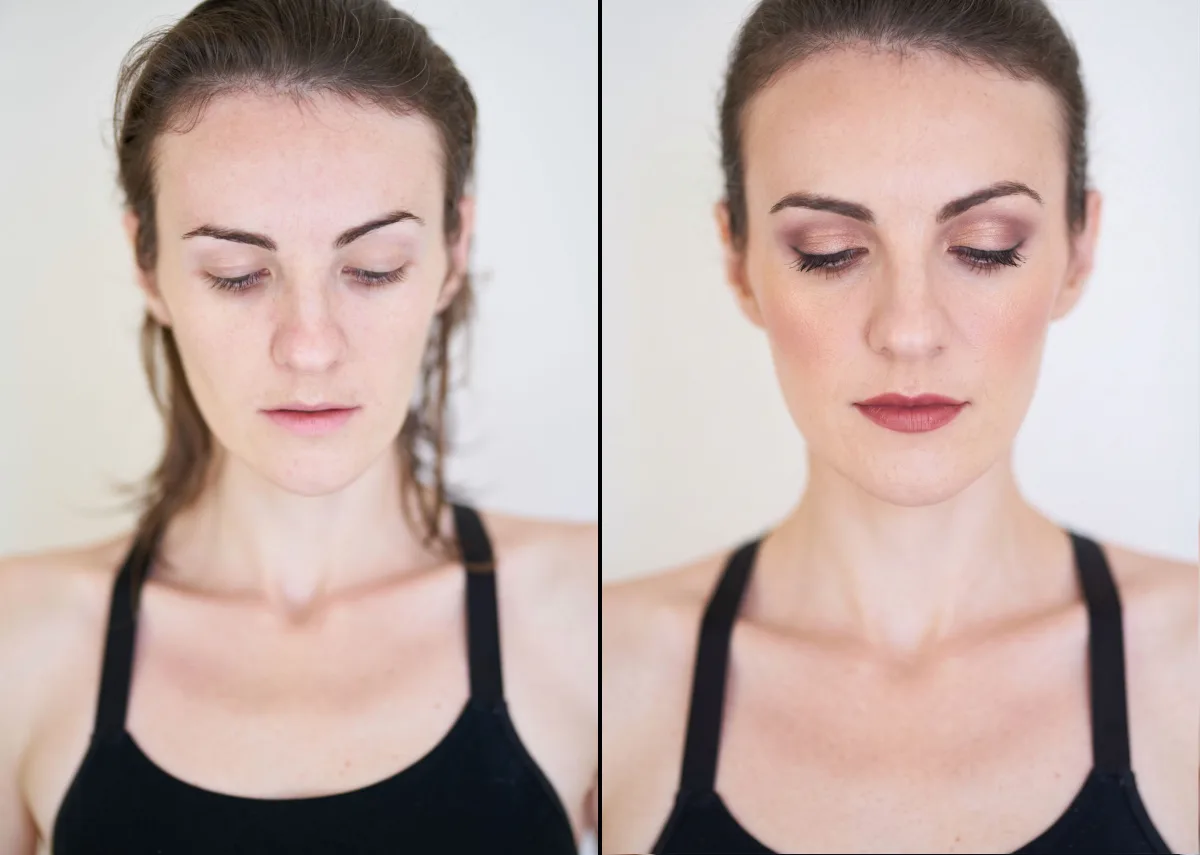
Side-by-side export: the same person before and after makeup, both frames matched for pose, distance and framing.
Side-by-side · portrait source
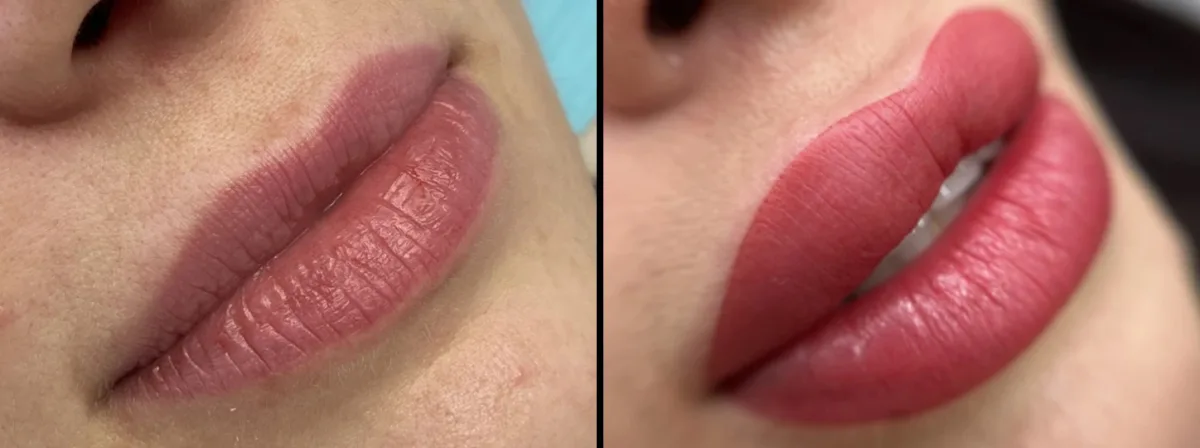
Side-by-side export: lips before and after treatment, both frames shot from the same angle and distance.
Side-by-side · landscape source

Reveal videos · both directions

Wipe ↔
Wipe ↕
Wipe ↔
Wipe ↕